










About game
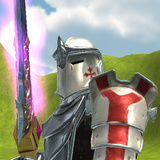
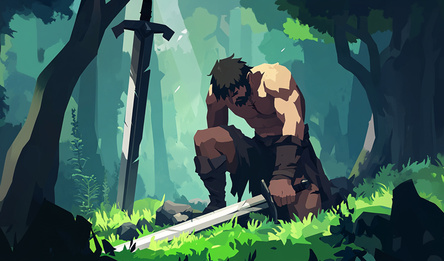
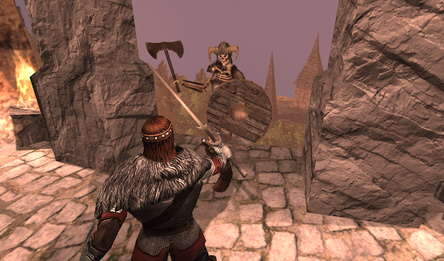
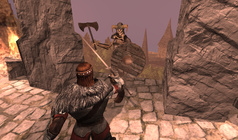
In this game, you will face off against fierce orc warriors and help the knights overcome powerful enemies. The key aspects of the game include developing your character, obtaining legendary gear, and completing quests to earn experience points, gold, and crafting supplies.
The ultimate challenge is to defeat an Ancient Dragon, a task only the most skilled players can accomplish. So don't delay! Obtain legendary equipment and etch your name into the annals of Raid history!
Game progress is automatically saved every minute. For players who are signed in, their progress is saved both in the cloud and locally in their browser.
How to play
Raid Of Champions is compatible with a variety of devices, including PC and mobile (Android). On a PC, the controls are: * W, A, S, D — move; * space bar — jump; * left mouse button — attack; * right mouse button — second attack; * right mouse button + W — third attack; * mouse wheel — zoom in and out; * Q, R, F (buttons 1–5) — use abilities; * Tab or Caps — use potions; * E — use an item; * C — open the status window; * I — open your inventory; * K — skill tree; * J — view tasks; * Shift — run; * M — open main menu; * H — get help. On mobile devices, you control the game using interface buttons. Turning is done using the touchpad on the screen.Game info
Age rating
16+
Platforms
Authorization support
Yes
Localization
Turkish, Russian, English
Screen orientation
Release date
Cloud saves
Yes
Categories











Players say
Players positively rate the game "Raid of Champions
Availability of a variety of armor and weapons
Excellent combat system
The game arouses the interest of the players
Users note a good overall implementation of the game
There is player support in the form of positive feedback.