



About game
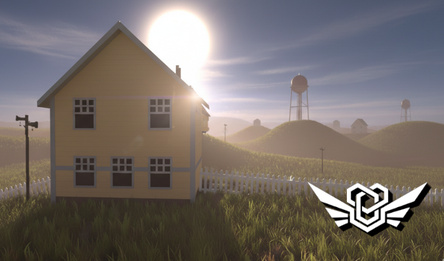
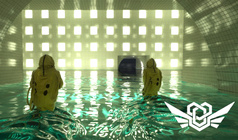
You find yourself in a strangely familiar location. It seems someone has been here before and left some hints for you to follow if you want to get out.
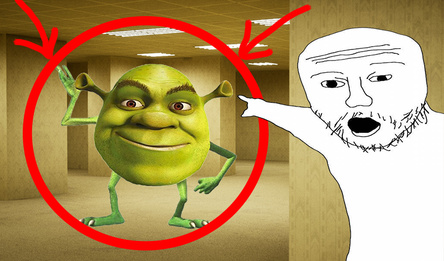
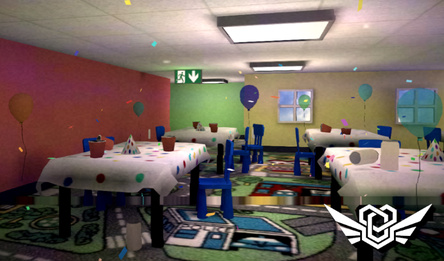
Eerie waltz music is playing in these unusual yellow rooms. To escape, you need to make it stop.
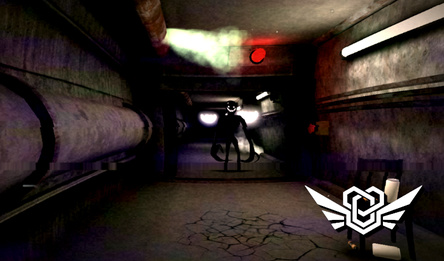
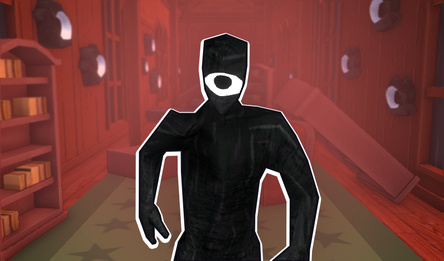
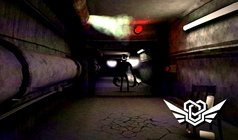
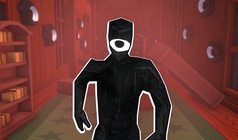
Beware! A creepy black figure is prowling around this level, and it really dislikes noise — especially the sound of footsteps.
If you're not lucky enough to avoid being chased, quickly look for the nearest closet or a dead-end room with a door. This thing can't open doors.
The game offers several modes:
1. Safe mode – the figure doesn't appear here, so you can freely explore the level and study the map.
2. Normal mode – the entity is here and reacts only to the sounds of footsteps.
3. Hardcore mode – the creature will hear you anywhere on the map. Closets won't save you anymore. The only way out is to run smartly. Fortunately, the entity's intellect is not known yet.
How to play
Here’s how you play «Backrooms: Escape the Yellow Rooms» on your PC: * Use the keys W, A, S, D to move. * The left mouse button or the «E» key is for interacting with things in the game world. * Press «Shift» to make your character run faster. * To make your character crouch down, press «C». * You can pause the game at any time by pressing the key «Tab». And here’s what controls you need to use on a mobile device: * Move your character around the map using the joystick on the left side of the screen. * Make your character sprint with the button on the right side of the interface that shows a running man. * The button with a picture of a person crouching is for making your character lower their center of gravity. * There’s a special «hand» button that appears when you hover over an interactive object. Tap it to let your character interact with the object. * You’ll find the pause button in the top-left corner of your screen.Game info
Age rating
12+
Platforms
Authorization support
Yes
Localization
Turkish, Russian, French, Spanish, English, German
Screen orientation
Release date
Cloud saves
No
Categories




Players say
An original and exciting game
An attractive atmosphere of fear
Interesting gameplay
Well-designed graphics
A variety of levels
Creates a sense of the reality of what is happening