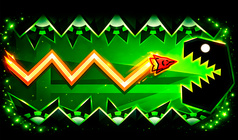
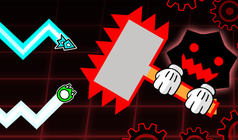
The game provides a feature-rich level editor that allows for limitless creativity. Players have access to:
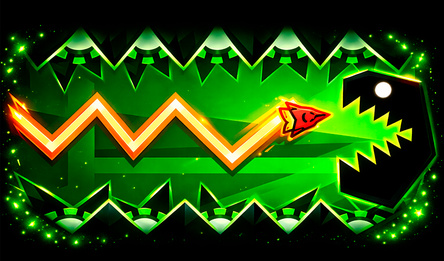
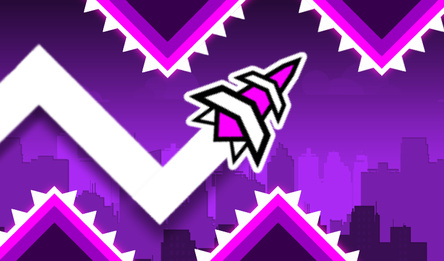
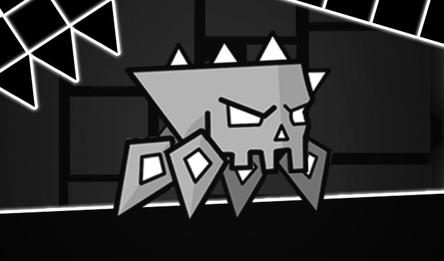
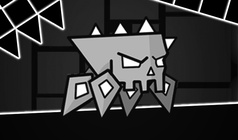
* Six unique characters, including a cube, ship, ball, UFO, wave, and spider.
* The ability to select skins and colors for each character, allowing for personalization.
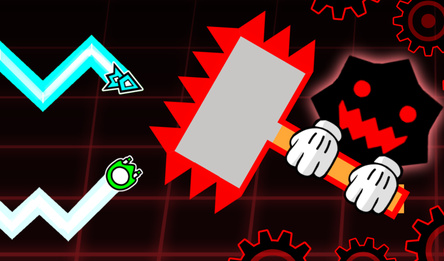
* A variety of obstacles such as blocks, spikes, and sawblades to navigate.
* Portals that enable changing the character's appearance and manipulating gravity.
* Platforms that modify the character's speed throughout the level.
* Jump pads and jump orbs to assist in navigating the level's obstacles.
* Options to choose the starting character, initial speed, and gravity.
* Customizable background, music, and level length for a personalized experience.
* Built-in levels for players to challenge themselves and improve their skills.
Combine, experiment, and construct your own distinctive level! Design a masterpiece, share it with your friends, and challenge them to beat your creation!
How to play
There are two modes available: game mode and editor.
In game mode, you must reach the finish line while avoiding any obstacles. To perform actions like jumping or flipping with your character, simply press the left mouse button or tap the screen. This mode can be played in ship and wave modes.
The editor mode allows you to create your own levels. You can move the camera around by holding down the left mouse click or tapping the screen. To add objects to the level, first select them from the selection window. Then click anywhere on the map to place them.
If you want to delete an object, you need to enable the delete mode first. This is done by clicking on the trash-can button. Once the mode is enabled, clicking on an object will delete it.
Use the gear button to access the settings window, where you can choose a character, adjust the speed and gravity. The «More» button lets you pick the background, music, and length of the level. Be careful when changing the length, as reducing it will cause objects beyond the finish line to be deleted.
To save your level, click on the check mark button. You can then save it in one of the six available slots or generate a code that can be copied and sent to friends. If you re-enter the game using this code, the saved level will be loaded.