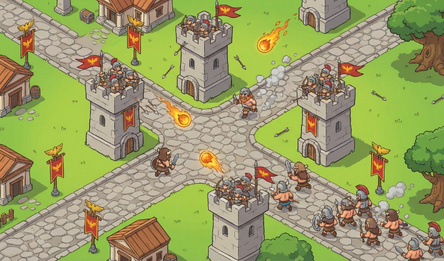
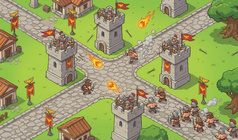
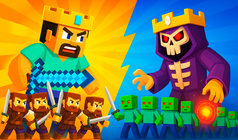
Settlers 2 is a captivating game that combines city-building and real-time strategy. Players can immerse themselves in a world of economic management, urban development, and tactical decision-making.
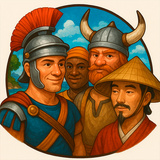
The game boasts a rich economic system, allowing players to oversee complex production networks and transform raw materials into finished goods. With multiple game modes available, participants can embark on two engaging Roman campaigns or explore various maps as one of four distinct factions: Romans, Nubians, Vikings, or Japanese.
Featuring charming pixel art, Settlers 2 offers a unique visual style that creates an enchanting atmosphere. Each decision made by the player, such as resource allocation, economic growth, road construction, and troop management, significantly impacts the outcome of the game. Furthermore, players can engage in diplomacy, form alliances, trade with neighbors, or pursue military conquests.
To facilitate an enjoyable gaming experience, Settlers 2 provides a user-friendly interface with convenient features like pausing building operations and automatic road construction. This automation allows players to concentrate on developing and executing effective strategies.
How to play
Keeping Your Progress:
The game safely stores your progress right in the browser's memory. To prevent losing this data, avoid playing in private browsing mode. The game keeps separate records for your progress in both Russian and English versions.
Cursor Precision:
On the left side of the screen, there's a tool you can use to fine-tune how sensitive your cursor is.
Playing on Your Phone:
● Moving around the game: slide the character with the virtual joystick.
● Changing the joystick spot: use the > and < buttons.
● Doing other stuff: tap the screen.
PC Gamers' Guide:
● Navigating the game: keep the right mouse button down and move your mouse where you want to go or use the keys ↑↓←→.
● Everything else: just left-click on the mouse.