

About game
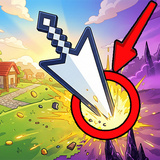
Cursor-Square vs Mine: Home Defense — an engaging mix of idle gameplay and strategic planning. The cursor attacks on its own, allowing you to concentrate on the optimal placement for dealing maximum damage!
Automatic Combat — enjoy the fight without constant clicks, as the cursor launches attacks by itself at set intervals.
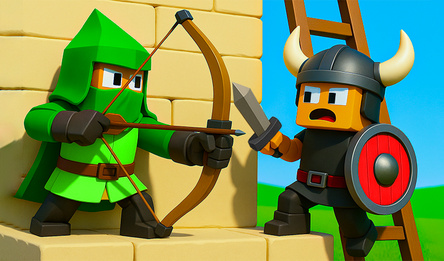
Protect the Fortress — repel relentless assaults from zombies, pigmen, and enigmatic creatures.
Resourceful Miners — employ workers to extract copper, silver, and gold.
Three Distinct Biomes — advance through the Grass, Nether, and End realms.
Arrow Mechanics — craft ricocheting projectiles capable of critical hits.
Ninety-Seven Enhancements — tailor attack speed, range, damage, fortress characteristics, and more to your liking.
Trade Resources — exchange currencies: copper for silver, silver for gold, gold for diamonds.
Engage in battle against six different enemy types, including teleporting adversaries and kamikaze attackers!
How to play
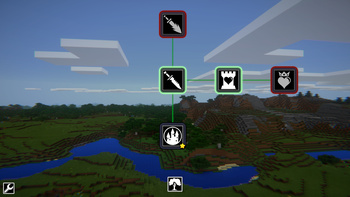
Your cursor attacks enemies automatically once per second — just move it over them without clicking! Basic Gameplay: - Guide your cursor to hover over enemies. The attack area will pulsate, striking all foes inside it. - Collect dropped resources: Copper, Silver, and Gold are attracted to your cursor automatically as enemies are defeated. - Buy upgrades: Open the menu and invest in damage, attack speed, range, critical hits, and arrow mechanics. Advanced Strategies: • Recruit Miners: Use Silver to hire workers who will passively produce Copper, Silver, or Gold each second. • Exchange currencies: Unlock trading with 100 Gold to convert excess lower-value currencies into higher tiers. • Advance through prestiges: Complete levels to unlock more challenging prestiges with better rewards and new enemy types. Controls: Left mouse button — click on interface buttons. Hold left mouse button and drag — navigate the skill tree. Scroll mouse wheel — zoom in and out in the skill tree.Game info
Age rating
12+
Platforms
Authorization support
Yes
Localization
Russian, English
Screen orientation
Release date
Cloud saves
Yes
Categories


Players say
The game is exciting and dynamic
User-friendly and interesting gameplay
Absence of lags and bugs
The ability to choose the game mode
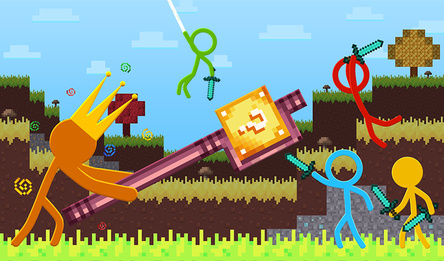
A pleasant atmosphere reminiscent of Minecraft
Suitable for relaxation and relaxation