




About game
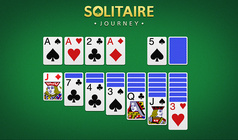
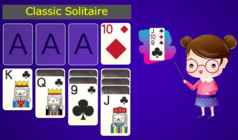
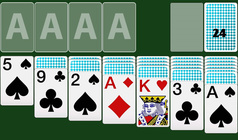
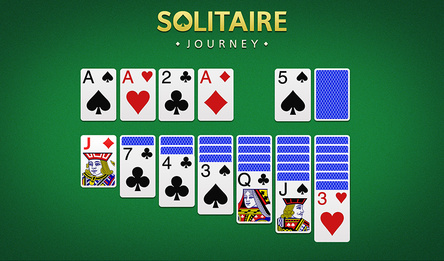
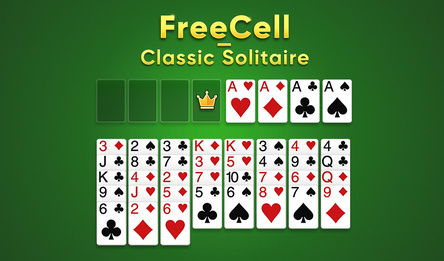
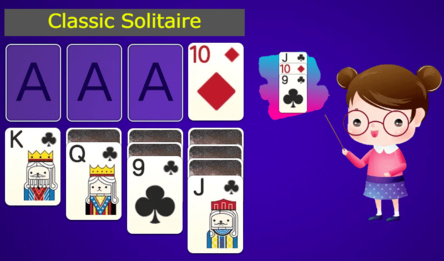
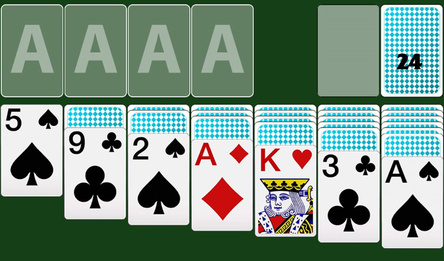
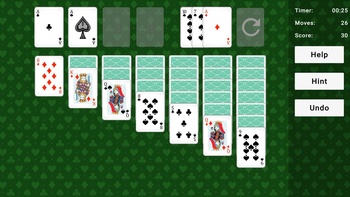
Solitaire is a classic card game available for free directly in your browser. Your mission is to arrange all the cards by suit in the four top stacks, beginning with the Ace and finishing with the King. The cards in the lower rows are laid out in descending order, from the King to the Ace, with alternating red and black colors.
During the game, you can move cards from the deck at the bottom and between the rows to reveal hidden cards, create opportunities for moves, and discover new combinations. In this version of Klondike, you can easily drag cards with the mouse or simply click on them, and they will automatically go to the right place.
This Solitaire variant is ideal for fans of classic patience who prefer to play without installing additional programs. Start playing, sharpen your attention and logical thinking, and enjoy the convenient format: Klondike online, free of charge, without registration or time limits.
How to play
When the game starts, the cards are automatically dealt, and during this process, you can't make any moves. The cards are organized by suit in four top piles, going from Ace to King. In the lower columns, the cards decrease from King to Ace, with alternating colors (red, black, red, and so on). You can move cards either from the deck at the bottom or between columns to uncover hidden cards and create more opportunities for moves. To move a card, you can drag it with the mouse or simply click on it, and it will automatically move to the correct column.Game info
Age rating
16+
Platforms
Authorization support
Yes
Localization
Russian, English
Screen orientation
Release date
Cloud saves
No
Categories