Log in with your username to reliably save your game progress and achievements
About game
A relaxed game for two players on one computer.
You take control of two chickens, fully customizable to suit your preferences.
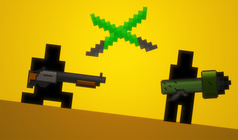
In the game, players can choose from various maps and weapons, or create their own using the built-in level editor.
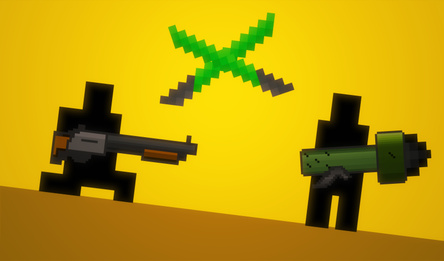
There's a wide selection of weapons, including guns that can shoot and destroy blocks, as well as katanas for close combat or throwing at enemies from afar.
How to play
Player One (left):
- Movement: W A S D keys;
- Picking up/dropping weapons: E key;
- Attack: R key.
Player Two (right):
- Movement: arrow keys (up, left, down, right);
- Picking up/dropping weapons: RMB (right mouse button);
- Attack: LMB (left mouse button).
Creating custom maps:
- Moving the canvas: hold RMB and drag;
- Zoom: mouse wheel;
- Placing a block: select in the bottom panel and click LMB on the desired map location;
- Removing a block: choose the eraser and apply it to the block you want to remove;
- Setting the map's center and initial size: use the button on the right with arrows pointing in all directions.
(Custom maps are not saved after refreshing the page.)