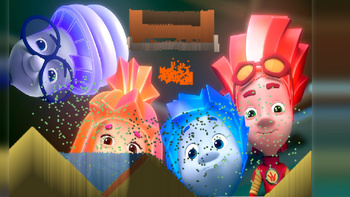
In «Cause Chaos with Nolik! Sandbox», choose a material, a tool, and the size of the brush — and start creating a world of particles on the screen.
Flow, stack, and blend: see how materials obey the laws of physics, build structures, and then put them to the test to turn everything into a delightful mess.
The tempo is entirely in your hands: take your time to experiment, pause whenever you like, adjust settings, and find new combinations of materials and tools. There are no right or wrong ways — just room for creativity.
Ideal for children and casual gamers who enjoy sandbox games and physics simulations in short, relaxing sessions. Dive in and conduct your most satisfying experiment!
How to play
Controls:
- On PC: press and hold the left mouse button to drag and place the chosen material.
- On mobile: touch and drag to place the selected material.
How to begin:
1. Click Start/Play (if the loading screen shows up).
2. Select a material from the materials menu.
3. Choose a tool (such as draw or erase) and adjust the brush size using the buttons.
Ending the game:
- There are no losses in the game. To start anew, clear the screen or restart the game.