
Create game!
49Playhop rating
About game
Craft the game world of your fantasies with «Create game!»
Feeling stuck without your beloved Roblox? That's the perfect push to bring your own universe to life!
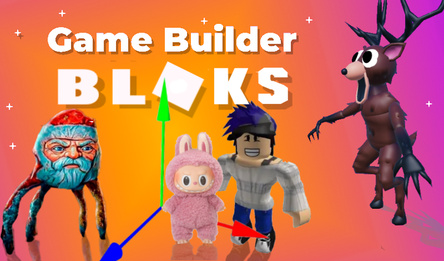
Effortless creation: thanks to the intuitive interface and user-friendly visual editor, you can turn any concept into reality with just a few clicks.
Vast array of resources: countless assets and scores of pre-made templates are at your disposal, ready for you to dive right into crafting your opus.
Spread your vision: release your projects and extend an invitation to friends for joint adventures. Sharing your game via simple links makes it a breeze to spread the fun across social platforms.
Rise to stardom: monitor your ratings, take part in tournaments, and climb the ranks to gain recognition among players.
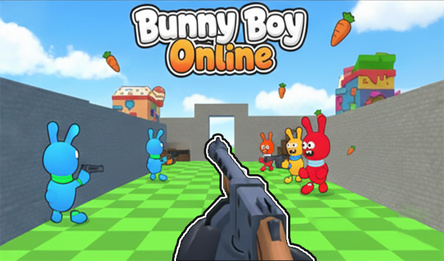
Join the online fray: explore multiplayer games by fellow creators, compete, master new mechanics, and hone your skills as a game developer.
Don't hesitate! Start shaping your new game world today!
How to play
In the game mode, controls are as follows: * Move using the WASD keys. * Jump by pressing the Space bar. * Shoot with the left mouse button. * Switch weapons with the mouse wheel or the Q, E keys. * Use items from inventory cells with the keys 1–0. * Pause the game with Esc. For mobile devices, use virtual buttons and joysticks for control. In the editor mode: * Pan the camera by holding down the right mouse button and moving the mouse. * Zoom in or out with the mouse wheel. * Build using the left mouse button. * Delete an element with the right mouse button. * Rotate an object during construction by clicking on the mouse wheel.Game info
Age rating
12+
Platforms
Authorization support
Yes
Localization
Russian, English
Screen orientation
Release date
Cloud saves
Yes
Categories



Players say
The game provides an opportunity to create a world
Players can use uploaded objects
Users create a variety of game elements
The game arouses the interest of the players
There is a potential for improved functionality.
The need to clarify the instructions for the game is indicated