Log in with your username to reliably save your game progress and achievements
About game
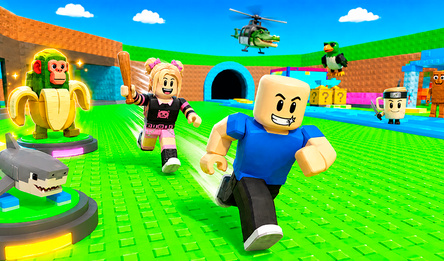
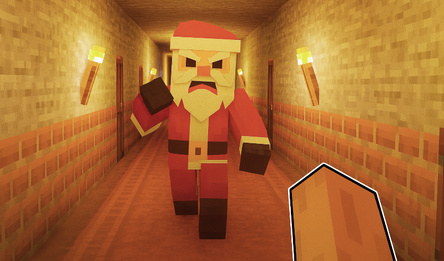
In this one-of-a-kind survival game «Hide From The Brainrot: Survive 99 Nights», you need to conceal yourself, bolster your protection, and withstand the night. The inhabitants of the Roblox universe are plunged into horror, and you must decide whether to join the defenders or become part of the all-encompassing Brainrot Terror.
**DEFENSE MODE:**
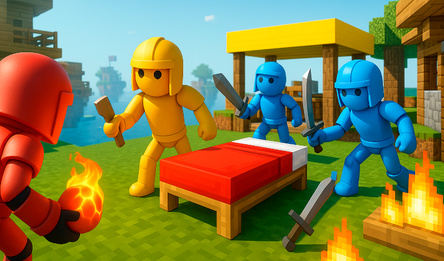
You take on the role of a Roblox hero tasked with surviving the night against the unstoppable Brainrot creature. You'll have a few minutes to meticulously construct your defenses and resist the monster's attack. Your mission includes fortifying the stronghold: setting up turrets, reinforcing the door, and more.
**ATTACK MODE:**
Take charge of the Brainrot monster itself. Your objective is to ensure the defenders don't make it to dawn. Each Brainrot possesses unique abilities and you have limited time to achieve your goal.
How to play
The controls adapt to your device, allowing you to concentrate fully on Hide From The Brainrot: Survive 99 Nights.
On mobile devices (smartphone/tablet):
Explore the game world effortlessly with touch controls designed for simplicity and responsiveness.
Movement: Just tap the screen where you want your character to move — choose between a virtual joystick or tap-to-move based on your settings.
Interaction: Activate items, select upgrades, or place turrets by simply tapping them on the screen.
Camera control: Hold your finger on the screen to adjust the camera view.
On PC:
Take control with your keyboard and mouse.
Movement: Use the classic WASD keys for precise movement:
W (forward), A (left), S (backward), D (right). You'll always have full command over your actions.
Camera control: Keep the right mouse button pressed to manage the camera.



 62
62