






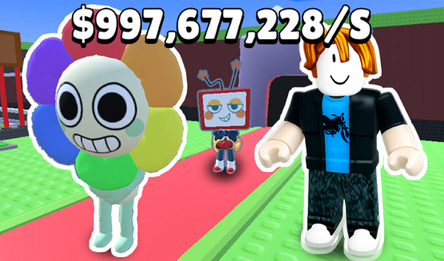



Obbi Sandbox
About game
Dive into «Obby Sandbox» — where dreams turn into creations!
- **CONQUER THE WORLD OF CREATIVE BUILDING:** Utilize a variety of blocks, slabs, and decorations to craft your own havens or devise intricate obbies.
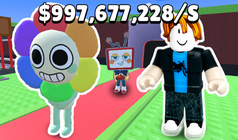
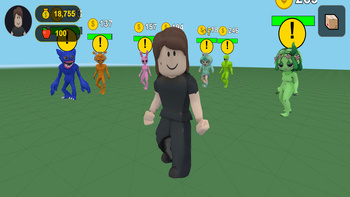
- **ADOPT VIRTUAL PETS:** Populate your realm with Steve, Zombies, and more. They'll generate income for you, even when you're away!
- **PLAY AND ACCUMULATE:** Dash, leap, and discover the map to amass coins. The more you move, the quicker your wealth piles up.
- **CUSTOMIZE YOUR LOOK:** Step into the shoes of your beloved characters — from the iconic Steve to Huggy Wuggy, Sprunki, and Labubu.
- **REFINE YOUR BUILDS:** Employ slabs and mini-blocks to imbue your structures with exquisite details.
- **NO WORRIES ABOUT LOSING PROGRESS:** Your world is automatically saved, ensuring your creations are always secure.
Unleash your inner architect and design the most awesome world in «Obby Sandbox»!
How to play
**PC Controls:** * WASD — for moving. * Shift — to run (you'll earn more coins!). * Space — to jump. * Left mouse button — to place the chosen item. * Right mouse button — to delete a placed item. * Mouse wheel — to adjust camera zoom. * Q key — to switch between block shapes (full, slab, mini). * Esc — to cancel selection. **Mobile Controls:** * Left joystick — for movement. * Right buttons — to jump and place items. * Swipe anywhere on the screen — to rotate the camera. * Pinch — to zoom the camera. * Long press — to remove an item.Game info
Age rating
6+
Platforms
Authorization support
Yes
Localization
Russian, English
Screen orientation
Release date
Cloud saves
Yes
Categories