

About game
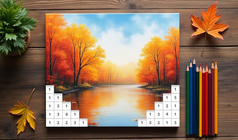
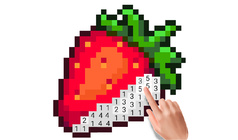
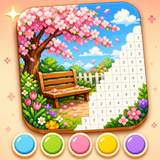
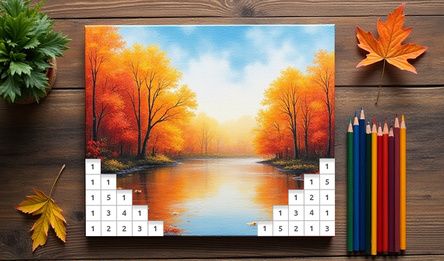
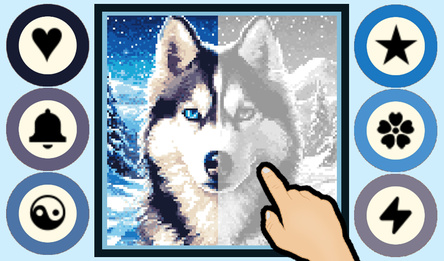
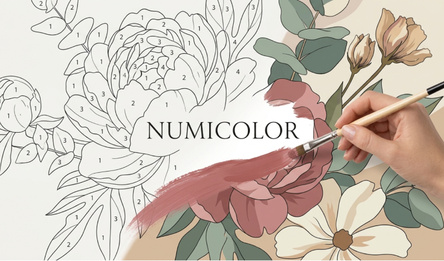
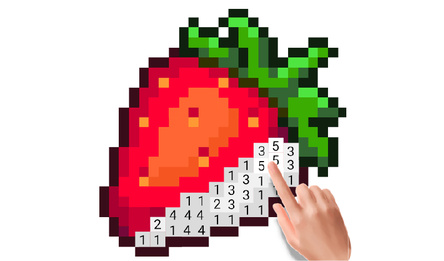
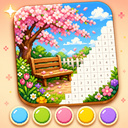
Pixel Coloring is a peaceful and vibrant game where you fill in pixels by numbers. Select an image, locate the cells with the corresponding numbers, and slowly uncover a lovely picture.
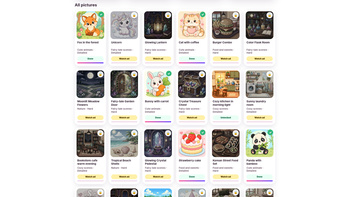
The game offers a variety of charming scenes: landscapes, dishes, interior designs, seasonal motifs, endearing drawings, and colourful vistas. Each image turns into a 100×100 puzzle, where you match colours to numbers to complete it.
Pixel Coloring is ideal for unwinding, sharpening focus, and savouring a laid-back game. There's no hurry and no intricate rules — just choose a colour, paint the right cells, and watch the picture blossom bit by bit.
You can start with the initial pictures right away. As you play, more images will unlock. Your progress is saved, allowing you to come back and carry on colouring from where you left off.
How to play
Select a picture from the gallery and open it to begin coloring. The color palette is located at the bottom of the screen. Choose a color by its number, then find and color the corresponding cells on the picture by tapping or clicking. On mobile devices, pinch to zoom in and out. On computers, use the mouse to color cells and the mouse wheel to adjust the zoom. Coloring is disabled if the picture is zoomed out too much to prevent accidentally coloring the wrong cells. Keep an eye on the progress bar at the top of the screen — once all the necessary cells are colored, the picture will be complete. Some pictures are available right away, while others can be unlocked by watching an ad, becoming accessible forever afterwards.Game info
Age rating
0+
Platforms
Authorization support
Yes
Localization
Turkish, Russian, English
Screen orientation
Release date
Cloud saves
Yes
Categories