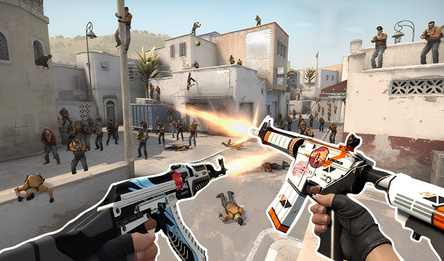
Purge is an exciting first-person shooter game right in your browser. Expand your armory, tackle a challenging campaign with 200 levels, or face an unending horde of zombies on your own.
CAMPAIGN
Take on 200 missions, starting with minor skirmishes and progressing to battles against snipers and tanks. Completing each level for the first time rewards you with tokens and rare crystals. Your progress is securely saved in the cloud.
ZOMBIE MODE
Survive alone against three types of zombies: regular, swift scouts (on Extreme they can outrun you), and tough tanks. Enjoy unlimited ammo.
CUSTOM GAME
Choose from three modes: Free-for-all, Deathmatch, and 5v5 Team. Explore eight maps: Tower, Containers, Bridge, Yard, Factory, Village, Arena, and Valley.
ARSENAL
Select from 12 weapons across four types: SMG, Pistol, Shotgun, Rifle. Enhance them at the Warehouse by upgrading five characteristics: damage, rate of fire, magazine capacity, reload speed, and spread.
ABILITIES
Utilize dash, a healing combat drone, slow-motion, and frag and smoke grenades.
Enjoy 5 difficulty levels and choose from 8 interface languages.
How to play
CONTROLS
WASD — movement
Mouse — look around
Left mouse button — shoot
Right mouse button — aiming
R — reload
Space — jump
Shift — run
C — crouch (while running, it's a slide)
1-4 or mouse wheel — select weapon
E — change sight
5 — use grenade (press again to change type)
F — dash
Q — deploy combat drone
T — slow motion
Tab — show scoreboard
~ or backtick — pause game
TIPS
- Use aiming (right mouse button) for precise shots at long range.
- Shooting from the hip has aim assist: bullets will curve towards nearby enemies.
- Headshots do 1.8 times more damage, while leg shots do only 0.65 times. Aim for the head.
- Slide to dodge enemy fire.
- Keep an eye on fast zombies — Scouts in Extreme mode can outrun you.
- The shop offers armor (three tiers) and weapons (twelve models). The warehouse allows you to upgrade each gun across five stats.
- Watch an ad before the match to get a free grenade pack.
- Progress syncs to the cloud after signing in.