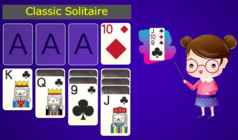
Step into the captivating world of Solitaire 3D — a revamped version of the beloved Klondike card game, now in breathtaking 3D! Perfect for relaxation or a mental challenge, this game promises an unparalleled solitaire experience.
What sets it apart:
* Exquisite 3D visuals: Enjoy fluid animations, lifelike card movements, and dazzling special effects.
* Varied gameplay options: Try your hand at Free Play with 1, 2, or 3 decks, and select drawing 1 or 3 cards.
* Champions League excitement: Tackle 12 levels of difficulty, rack up rating points, and ascend the worldwide rankings!
* Extensive shop and customisation: Spend your hard-earned coins on unique 3D card backs, retro or cyberpunk designs, and opulent table settings.
* Daily rewards: Don't miss out on logging in daily to snag free coins and unlock the Grand Prize!
* Handy features: Feeling stuck? Utilise the Hint system or reverse your last move to discover the winning approach.
Dive into the most visually stunning and feature-packed solitaire game online. Play now and claim your title as a champion!
How to play
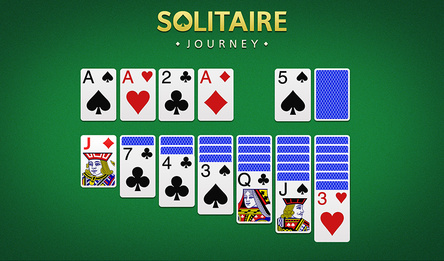
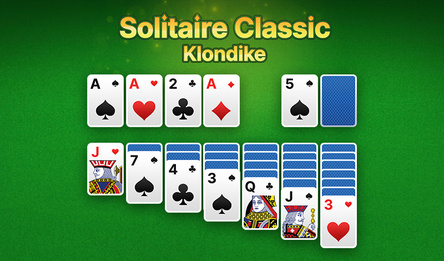
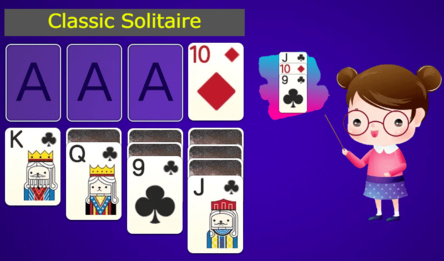
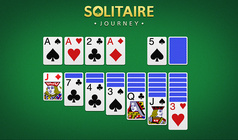
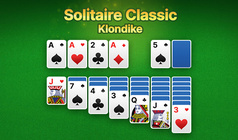
The aim is to relocate all the cards from the table to the foundation piles in the upper right corner. You need to arrange the cards by suit, beginning with the Ace and finishing with the King.
The principles are as follows:
• On the main table, cards should be placed in a descending order with alternating colours (for example, placing a red 7 on top of a black 8).
• You have the option to move either a single card or a correctly ordered sequence of cards.
• Only a King can fill an empty space on the table.
• To draw new cards, click on the deck in the upper left corner. If the deck is exhausted, click on the empty space to reuse the waste pile.
Controls:
• Drag & Drop: move cards across the table using your mouse or finger.
• Fast Move: just click (or tap) on an exposed card to automatically move it to the foundation pile.
• Auto-Collect: right-click anywhere on the empty table to immediately send all eligible cards to their respective foundations.
• Undo & Hint: use the UI buttons to retract your last action or to indicate a possible move.