







About game
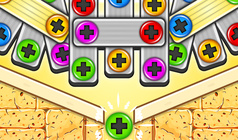
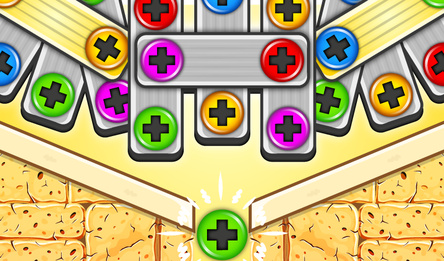
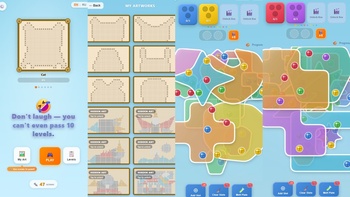
In UnscrewStudio, you face a serene puzzle with layered glass plates. Click on visible screws — those not concealed by a higher layer — to move them into matching-colored boxes. Once a box is full, the next color in line takes its place. At the start, two slots are available; additional slots can be unlocked with rewarded videos as you progress through the level. An optional temporary buffer can store excess colors (+1 slot with an ad).
Rewarded tools enhance your gameplay: they can increase box capacity, remove one screw from each active box, or clear all screws from the top plate. If you're out of moves, continue by watching an ad or return to the menu. Clearing levels earns you screws to complete artworks in **My Art**.
How to play
**Desktop** - **Key action:** select a **visible** screw on the glass plates. The selected screw will unscrew and fly to the **top box** of the corresponding **colour** that still has available slots. Screws hidden under higher plates are inaccessible. - **Pause:** access the pause menu (**Resume**, **Restart**, **Home**) by using the pause control on the game screen. - **Settings (gear icon on the home screen):** adjust music volume, sound effects volume, and vibration settings. - **Language:** change the language to **EN / RU** on the home screen. **Mobile** - **Main action:** tap on an unblocked screw — the rules are the same as on desktop. The layout is convenient in portrait mode.Game info
Age rating
12+
Platforms
Authorization support
Yes
Localization
Russian, English
Screen orientation
Release date
Cloud saves
No
Categories