About game
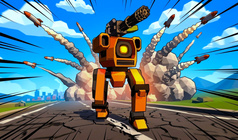
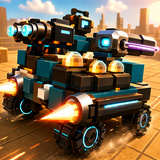
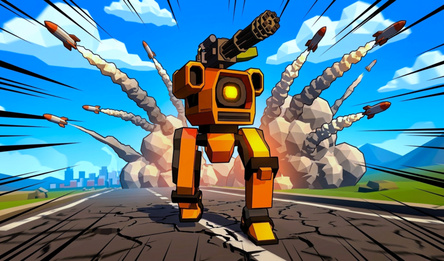
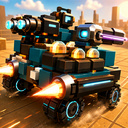
MechaBlocks is a physics-based arcade game where you build and fight with mecha vehicles. Create your machine by choosing a cabin, armor, wheels, generators, boosters, and weapons, then put it to the test on the battlefield. Each vehicle behaves uniquely based on its mass, balance, traction, drive, energy supply, and the placement of its parts.
Engage in battles, unlock new arena levels, purchase parts in the garage, save your designs, and experiment with various weapons like lasers, rockets, plasma guns, and railguns. The game offers arena battles, team modes, hex survival, and a testing ground to fine-tune your vehicle before the real action.
How to play
Construction In the garage, choose the necessary part and attach it to your vehicle. On a PC, use the R key to rotate the part and X to activate symmetry mode. On mobile devices, these options are available via interface buttons. Monitor your vehicle's statistics. If it's too heavy, it will accelerate more slowly, and low energy or overload can significantly impair combat effectiveness. Combat During battles, control your vehicle using WASD on a PC or the on-screen joystick on mobile devices. Aim with the mouse or touch controls, and shoot with the left mouse button or the Fire button. If your vehicle has boosters, use Shift on a PC or the boost button on mobile devices to activate them. Boosters allow you to quickly gain speed, dodge attacks, catch up with enemies, or increase impact damage in collisions. Beat your opponents, gain experience and credits, unlock new battlegrounds, purchase parts, and upgrade your vehicle. Try out various configurations and jump back into the fray!Game info
Age rating
12+
Platforms
Authorization support
Yes
Localization
Russian, English
Screen orientation
Release date
Cloud saves
Yes
Categories